

Audio for Online Yoga Classes: The Professional Sound Guide
Bad audio kills good video. Learn how to capture crystal-clear audio for your online yoga classes, whatever your budget.
Équipe Retreat And Be
Editorial content produced and reviewed by the Retreat And Be team.
Introduction
You invested in a camera, perfected your lighting, prepared a great class... and the result is ruined by muffled sound, background noise, or a voice that seems to come from a cave.
Audio is often neglected, yet it's crucial. In a yoga class, your students often close their eyes, focusing on your voice. If that voice is poor quality, the entire experience suffers.
This guide explains how to capture professional sound, from equipment to recording techniques.
Why Audio Is More Important Than Video
User Experience
- Your students close their eyes during certain poses
- Your voice guides breathing, movements, relaxation
- Clear sound = understood instructions = better practice
- Poor sound = cognitive fatigue, frustration, abandonment
Impact on Credibility
Amateur sound says "I don't take this seriously." Clean sound says "I'm professional." It's subconscious but powerful.
Audio Recording Basics
Enemies of Good Sound
- 1
Echo and Reverb
An empty room with bare walls creates echo. Sound bounces everywhere and becomes "muddy." Solution: textiles, furniture, acoustic panels.
- 2
Background Noise
AC, refrigerator, traffic, neighbors... Everything that isn't your voice is parasitic noise. Solution: record at the right time, in a quiet space, process in post-production.
- 3
Mic Distance
The further from the mic, the more it captures room ambiance (echo, noise). Solution: get closer to the mic or use an appropriate mic.
- 4
Body Sounds
Heavy breathing, clicking jewelry, rustling clothes. Solution: awareness of these sounds, appropriate equipment.
Microphone Types
Built-in mic (phone, computer, camera)
- ❌ Very limited quality
- ❌ Captures entire environment
- ✅ Already included, zero investment
- Use: Last resort, avoid if possible
Lavalier mic (clip-on)
- ✅ Close to mouth = clear sound
- ✅ Discreet, invisible on video
- ✅ Good value for money
- ❌ Cable can hinder movement
- ❌ Can rub against clothing
- Use: Excellent for yoga (mobility)
Boom mic (shotgun)
- ✅ Professional quality
- ✅ Off-camera
- ❌ Less portable
- ❌ More expensive
- Use: Fixed studio
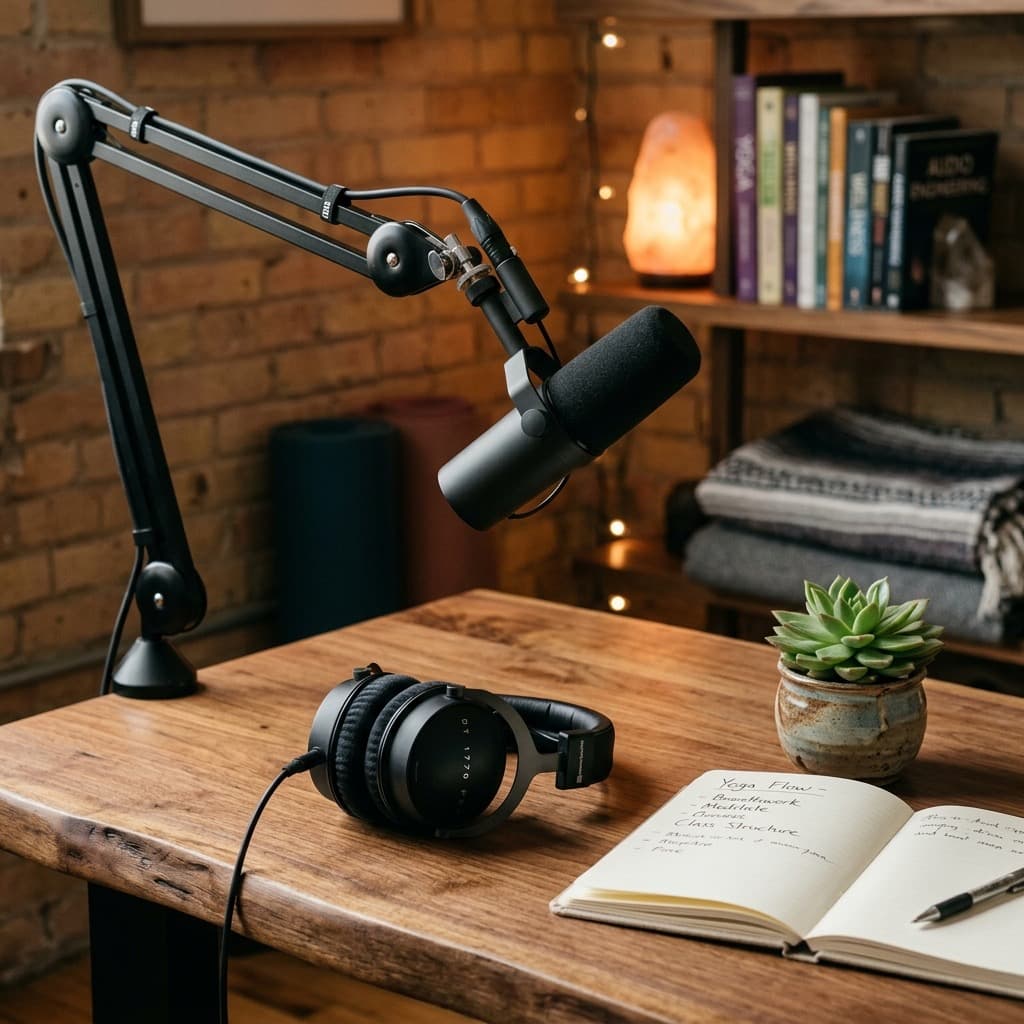
USB mic (podcast)
- ✅ Excellent voice quality
- ✅ Easy to use (plug & play)
- ❌ Must stay close to mic
- ❌ Visible in frame
- Use: Voiceover, introductions, podcasts
Recommended Equipment by Budget
Minimal Budget ($0-30)
Option: Basic lavalier mic (Boya BY-M1)
- Price: ~$20
- Quality: Decent, much better than built-in
- Limit: Average quality, wired
Tip: This is the minimum to be taken seriously.
Beginner Budget ($30-100)
Option: Entry-level wireless lavalier (Boya BY-WM4, Rode Wireless GO)
- Price: $50-100
- Quality: Good, total freedom of movement
- Advantage: Wireless changes everything for yoga
Alternative: USB mic (Audio-Technica ATR2100x, Blue Yeti Nano)
- For introductions and voiceovers
- Not practical for classes with movement
Intermediate Budget ($100-300)
Recommended option: Rode Wireless GO II
- Price: ~$200
- Quality: Excellent
- Advantage: 2 transmitters, built-in mic or lavalier
- Backup recording in transmitter
Alternative: DJI Mic
- Price: ~$300
- Quality: Professional
- Advantage: Charging case, excellent range
Pro Budget ($300+)
Studio setup:
- Shotgun mic (Rode NTG, Sennheiser MKE 600): $250-500
- Audio recorder (Zoom H5, H6): $200-400
- Boom and accessories: $100-200
When necessary: High-quality production, expensive courses.
Setting Up Your Space for Good Sound
Room Acoustics
Simple solutions:
- Rug on floor (you probably have one for yoga!)
- Heavy curtains on windows
- Couch, cushions, blankets — anything that absorbs sound
- Bookshelves — books are excellent absorbers
- Acoustic panels if budget allows ($50-100 for a set)
Recording Timing
- Avoid rush hours (traffic)
- Turn off AC, heating, refrigerator if possible
- Let housemates know
- Close windows
- Put phone on airplane mode
Test Before Each Recording
- Record 30 seconds of silence (to capture background noise)
- Speak at normal volume
- Listen with headphones (not speakers)
- Adjust mic position and settings if needed
Recording Techniques for Yoga
The Yoga Challenge: Movement
You go from standing to floor, turn around, change poses. How to maintain consistent sound?
Solution 1: Wireless lavalier
- Fixed near mouth (collar, strap)
- Follows you in all movements
- ⚠️ Watch for clothing rustle (use medical tape to secure cable)
Solution 2: Well-placed room mic
- Shotgun above you
- Captures entire zone
- Fewer rustle problems
- Requires good room acoustics
Solution 3: Voiceover in post-production
- Film movements without audio
- Record voice separately (quality USB mic)
- Sync in editing
- Advantage: Optimal audio quality
- Disadvantage: More work, less spontaneous
Managing Your Voice
- Project your voice slightly (without shouting)
- Hydrate before recording
- Warm up voice if recording long
- Breathe away from mic for heavy breaths
Audio Post-Production
Recommended Software
Free:
- Audacity (powerful but dated interface)
- GarageBand (Mac)
- DaVinci Resolve (video editing with good audio)
Paid:
- Adobe Audition (pro)
- Logic Pro (Mac)
- Premiere Pro (integrated with video editing)
Essential Adjustments
- 1
Noise Reduction
Most software has noise reduction tools. You capture a sample of background noise (your 30 sec of silence) and the tool removes it from the entire recording.
- 2
Normalization
Adjusts overall volume to standard level. Avoids passages too soft or too loud.
- 3
Compression
Reduces gap between loud and soft passages. Useful if your volume varies a lot.
- 4
Equalization (EQ)
Adjusts frequencies. Typically: reduce lows (rumble), slightly boost mids (voice clarity).
Recommended Voice Presets
If using Audacity or equivalent:
- Noise Reduction: depending on your background noise
- Compressor: ratio 3:1, threshold -20dB
- EQ: high-pass filter at 80Hz, slight boost at 2-4kHz
- Normalization to -3dB
FAQ
Wired or wireless lavalier?
Wireless if you have the budget. For yoga with constant movement, freedom is precious. Wired remains a decent option if you manage the cable well (secured with tape to avoid noise).
Should I record audio separately from video?
Not necessarily. Modern wireless mics connect to your camera/smartphone. But for maximum quality (voiceover, podcast), separate recording on a good USB mic is ideal.
How to avoid breathing sounds?
Position the mic slightly to the side of your mouth, not directly in front. Use a windscreen (foam on the mic). In post-production, you can manually reduce overly loud breaths.
What volume for background music?
Music should be barely audible — your voice is priority. Set music to -20dB or lower relative to your voice. Students must clearly hear every instruction.
Conclusion
Sound is the invisible but crucial half of your online classes. A good mic and acoustically treated environment make more difference than a camera upgrade.
Start with the minimum: a $20 lavalier mic and a space with textiles. That's already 10x better than your phone's built-in mic.
Then progress: wireless mic, acoustic treatment, post-production. Each improvement makes your classes more pleasant to follow, more professional, more effective.
Your students will thank you — even if they don't know why everything seems "better."
Stream your classes with optimal quality
Retreat & Be optimizes your audio and video stream quality to offer the best experience to your students.
Discover streamingKeywords
Ready to transform your wellbeing?
Join thousands who have already started their wellness journey with Retreat & Be.
Start